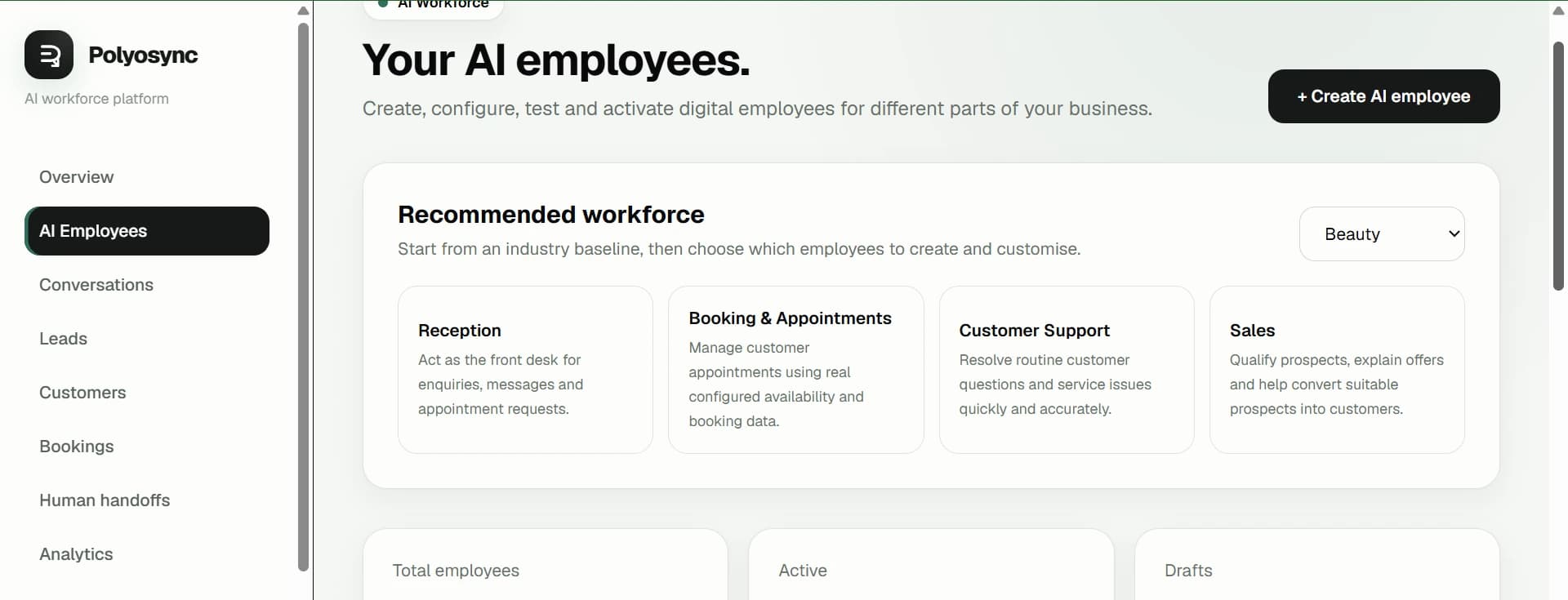
AI Employees
A central workforce view for managing the employees configured for a business.
Platform
Polyosync brings AI Employees, business context, integrations, permissions, customer interactions and internal workflows into a single business platform.
How the platform fits together
Each AI Employee is shaped by its role, business knowledge, special instructions, capabilities, integrations and configured scope. The platform then provides the business workspace around those employees.
Create specialised employees around real business responsibilities.
Give each employee the business information it needs to work accurately.
Define how an employee should operate within its role.
Connect the systems an employee is authorised to use.
Deploy employees for customer interactions and public-facing workflows.
Use internal employees inside the Business Dashboard for internal work.
Keep customer interactions and employee context organised.
Capture and manage lead information generated through conversations.
Work with customer records and interaction context.
Support configured appointment and booking workflows.
Escalate conversations when a person needs to take over.
Understand activity and AI usage across the workspace.
Product in context
Real product views show how Polyosync brings workforce configuration and business operations together.
A central workforce view for managing the employees configured for a business.
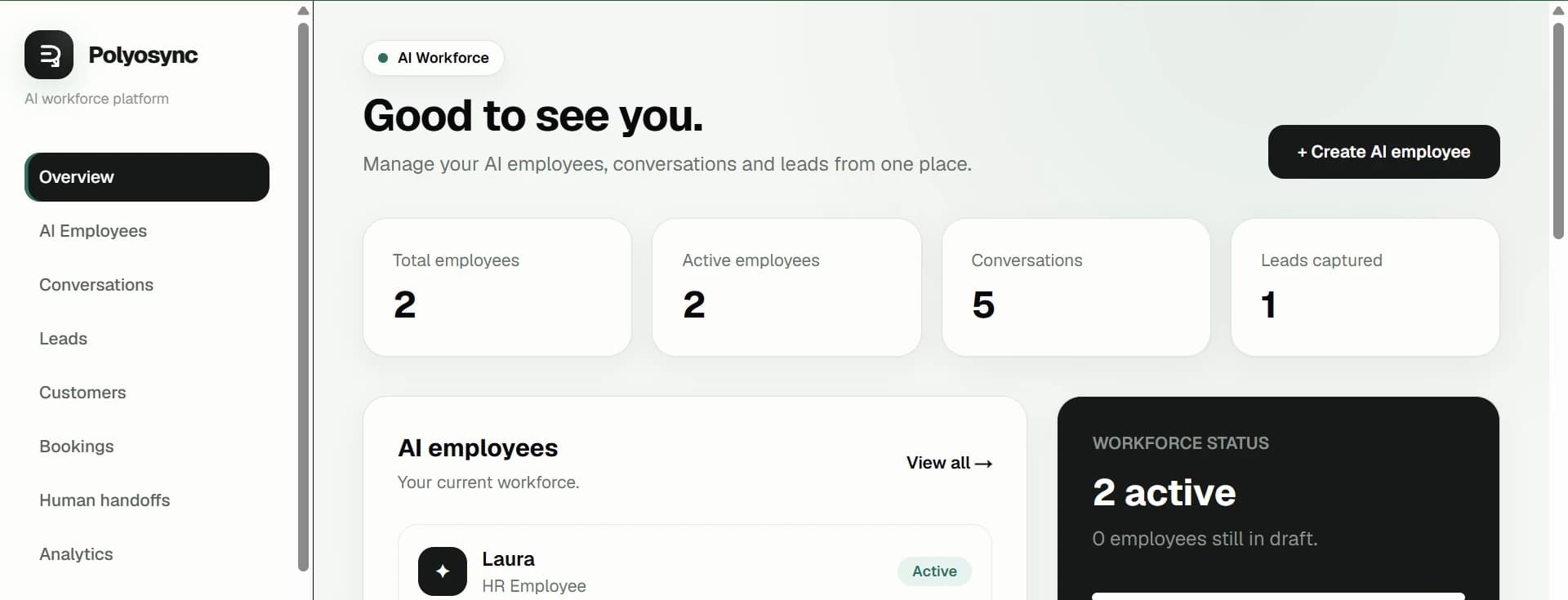
The business workspace brings operational information into one environment.
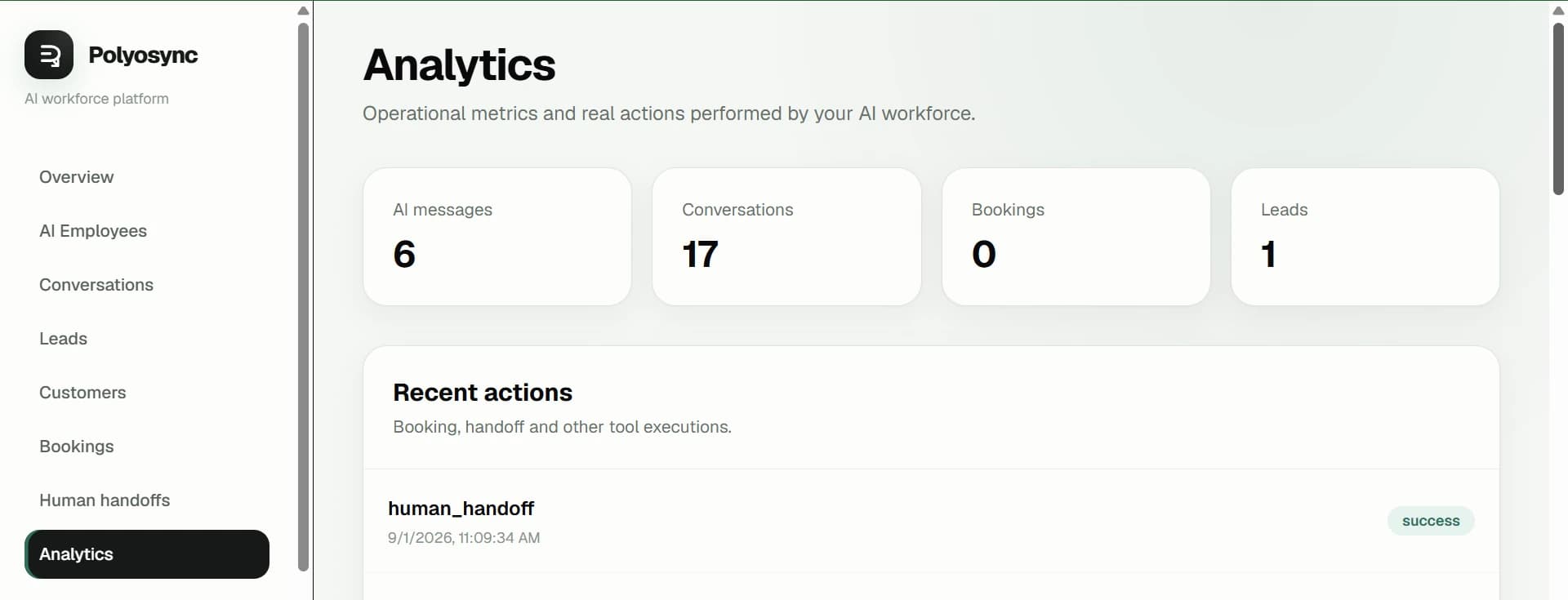
Review activity and performance information available in the platform.
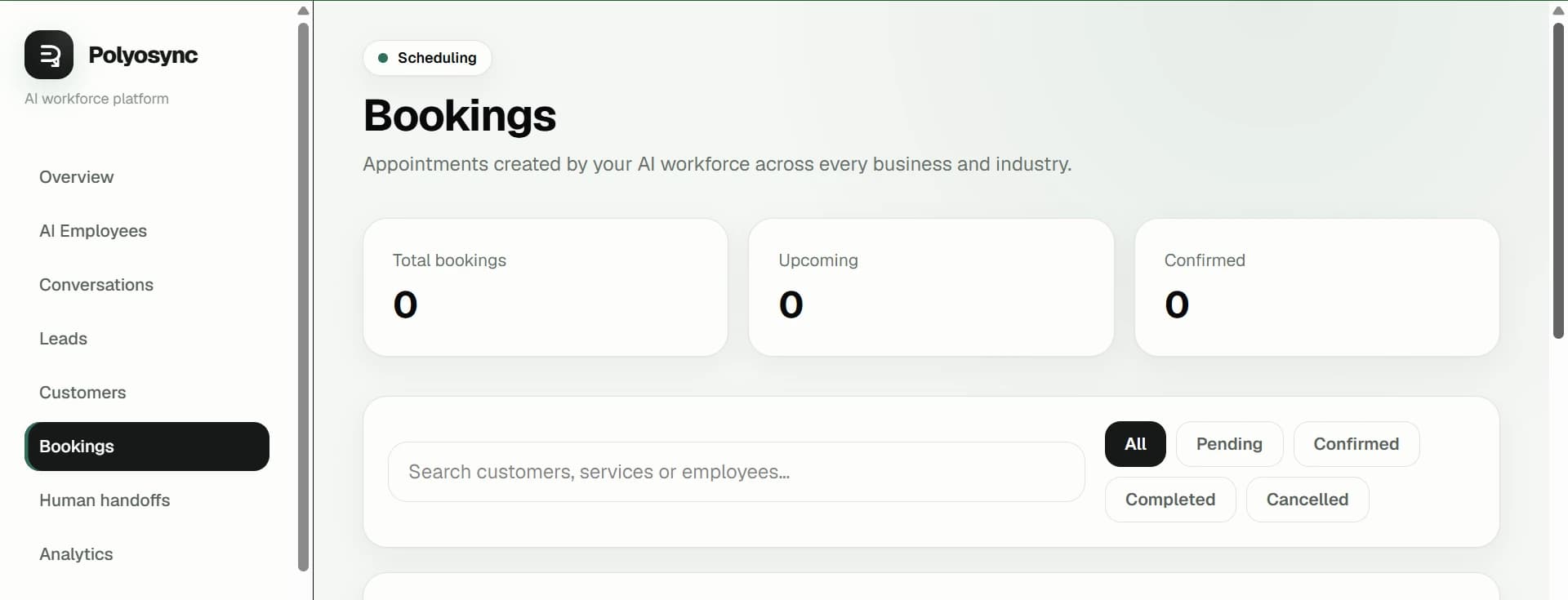
Configured booking activity is visible alongside the rest of the business workflow.
Scope & deployment
Customer-facing employees can represent the business publicly. Internal employees operate within the Business Dashboard. API and website deployment options are available where configured and may require technical implementation.
Understand the two modes →Copy system
Every Polyosync page answers the same operational questions. No vague AI claims: what it is, what it does, how it operates, what it automates, and where people stay in control.
The operating layer for configuring AI Employees, their business context, capabilities, connected systems and workforce workflows.
Role + business knowledge + capabilities + authorised tools + integrations + defined workflows. The configuration determines what the AI can access and do.
Teams, operators, developers and enterprise organisations building AI-enabled business operations.
Customer-facing and internal AI can hand work to people through defined handoff paths instead of operating beyond configured boundaries.
Deploy one employee, expand across functions, coordinate employees into a workforce, then expose the platform through APIs and enterprise controls.
Availability
Platform capabilities and integrations are subject to the current product configuration and availability stated across Polyosync.