01What is it?
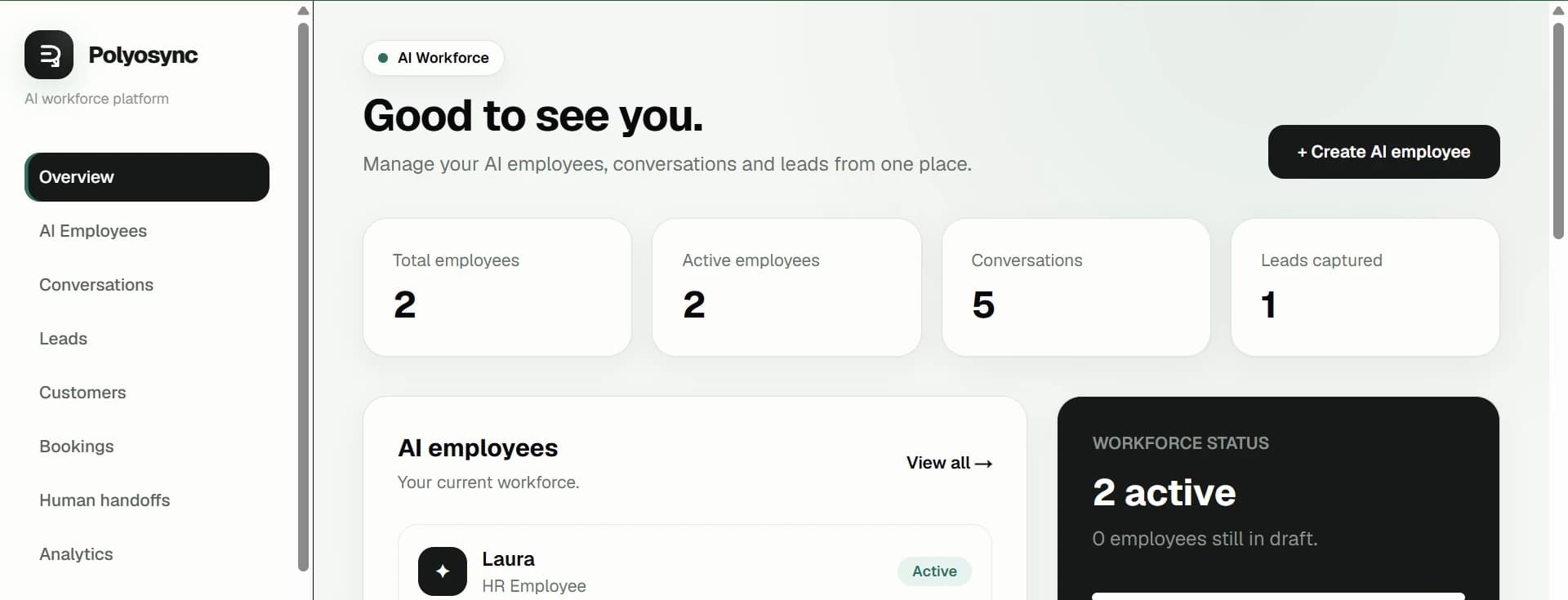
A platform for configuring AI Employees around real business responsibilities, then connecting them into an AI workforce.
Polyosync · AI Workforce
Build AI Employees that understand your business, use your systems, take action, and work together — from your first AI Employee to an AI workforce.
AI Employee
Customer request → completed work
Request
“Can you book Sarah for Thursday at 14:00?”
01
Understand
Business context
02
Check systems
Calendar + customer
03
Take action
Create booking
Result
Booking created · confirmation ready
Most AI still waits for someone to tell it what to do.
An AI assistant can answer a question. An AI Employee can understand the request, use the right business context and systems, take action, and keep the work moving.
AI assistant
Answers when asked. The conversation often ends with the response.
AI Employee
Understands the job, uses authorised knowledge and tools, takes action, updates systems, follows up, and escalates when a human is needed.
Capabilities
Give AI Employees the capabilities they need to move work forward across the business — from sales and support to operations, marketing, commerce and finance.
Business Knowledge
Bring together the information your AI Employees need to understand the business and make decisions in context.
Polyosync doesn't just give AI information. It gives employees the context they need to make decisions inside your business.
Knowledge vs Memory
What the business knows: policies, processes, product information, FAQs, documents and other approved business context. It helps an AI Employee understand how your business works.
What the AI remembers from interactions and work: relevant history, preferences, previous outcomes and conversation context. It helps the employee continue work with continuity.
AI Workforce
AI Workforce
AI Workforce
Coordinator
Coordinator
AI Employee
Sales
AI Employee
Support
AI Employee
Operations
Output
Business result
Automation → Autonomy
You define the process.
AI Employees coordinate the process.
AI executes toward an objective under defined constraints.
Long-running work is orchestrated as a business process.
Automation defines the process. AI Workforce coordinates it. Autonomous Workflow executes toward the objective. Business Process turns that work into an ongoing operational system.
Control & Governance
Employee
Capability
Permission
Tool
Approval policy
Action
Audit
Permission
Approval policy
Governance
Audit
Employee
Action
Every action can be shaped by the controls you define — from what an AI Employee is allowed to access to when a human must approve the next step.
Observability / Quality / ROI
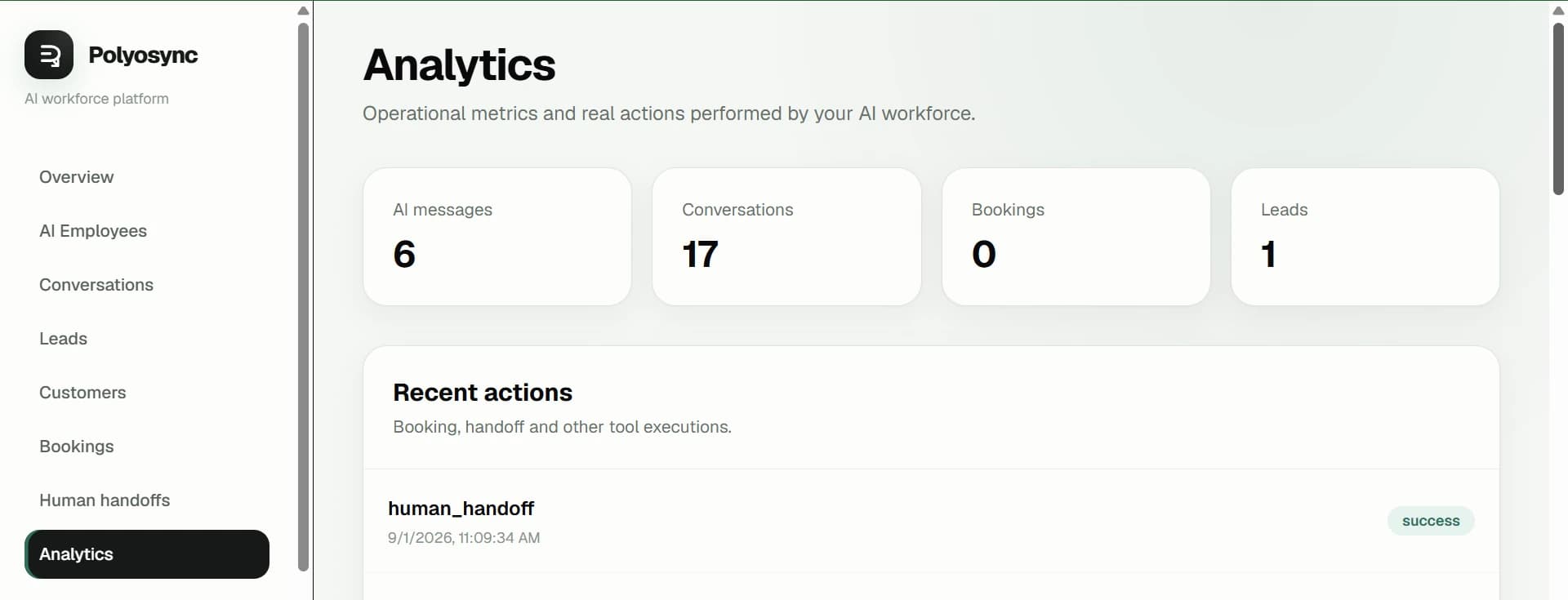
See the work, measure whether it was right, and understand the value it created.
What happened?
Was it correct?
Did it create value?
Activity
Observability shows what happened. Quality shows whether the work was correct. ROI connects that work to business value.
Activity
Quality · ROI
Integrations
Connect the systems your AI Employees need to do their jobs. Public-ready integrations are shown here; integrations still under development stay out of the public site until they are approved.
Connect the systems your AI Employees need to do their jobs.
Public-ready integrations
Internal AI
Ask your Internal AI Assistant to research, analyze and act on approved business data — then return the result to your team.
Internal AI Assistant
Ask your Internal AI Assistant to research, analyze and act on approved business data — then return the result to your team.
Enterprise
Deploy AI across teams, locations and business units with the controls, integrations and operational visibility required for enterprise environments.
Coordinate AI Employees across functions as one connected workforce.
Deploy and govern AI across sales, support, operations, finance and other teams.
Extend the same operating layer across locations, brands and business entities.
Define permissions, approvals, access and action boundaries at enterprise scale.
Set policies, ownership, auditability and human handoffs around AI work.
Connect business-specific systems and workflows through custom integrations.
Embed Polyosync into your products and internal systems programmatically.
Apply access controls, tenant boundaries and secure data handling to AI operations.
See what AI did, when it happened, and which systems or workflows were involved.
Evaluate whether work was completed correctly and identify where human review is needed.
Connect AI activity and outcomes to measurable business value.
Work with Polyosync on architecture, deployment, integration and rollout.
Enterprise operating layer
Enterprise
Talk to Enterprise
Platform / API
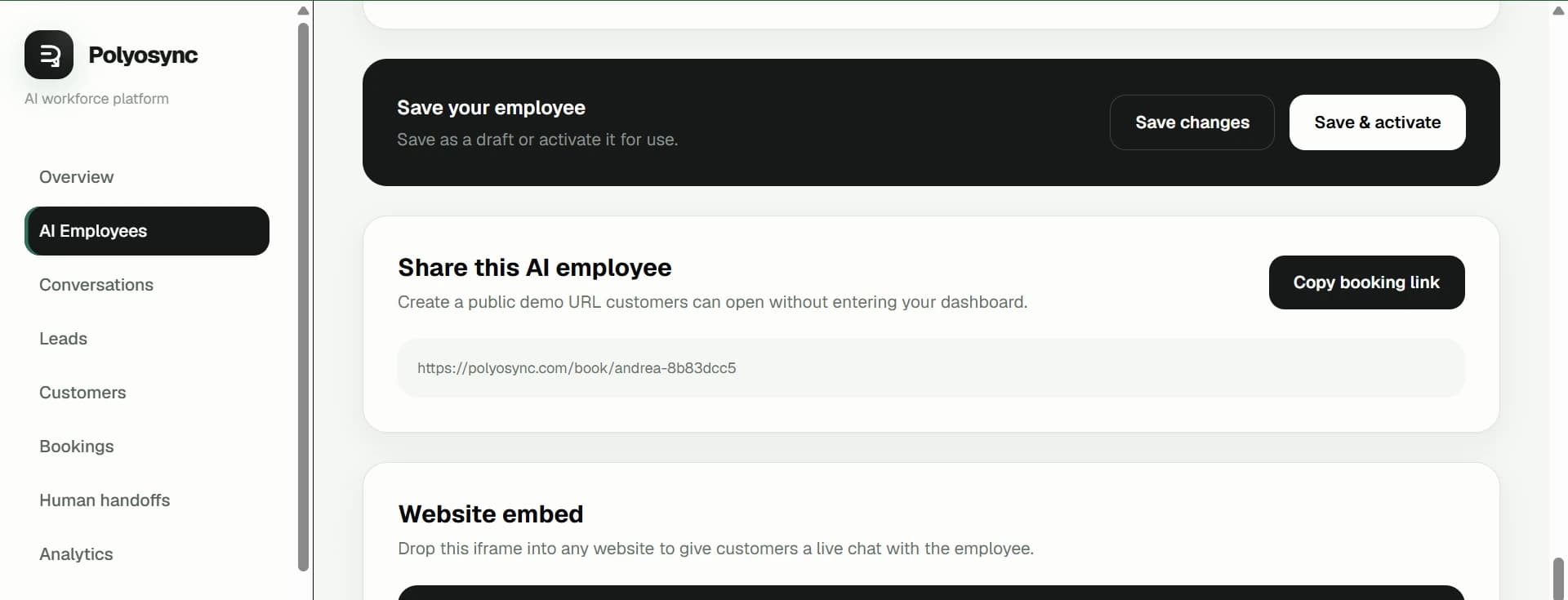
Connect Polyosync to your product and workflows. Deploy AI Employees and workforces, trigger work programmatically, and integrate Polyosync into the systems you already build.
Build directly against Polyosync from your own product.
Receive events when work, conversations and business actions change.
Deploy AI Employees where your customers or team need them.
Orchestrate multiple AI Employees as a connected workforce.
Connect your own systems and business-specific workflows.
Start and manage AI conversations programmatically.
Create and manage booking workflows through your product.
Work with customer records as part of your application flow.
Capture and move leads through AI-powered workflows.
Explore the platform
Connect Polyosync to your product and workflows. Deploy AI Employees and workforces, trigger work programmatically, and integrate Polyosync into the systems you already build.
What is Polyosync?
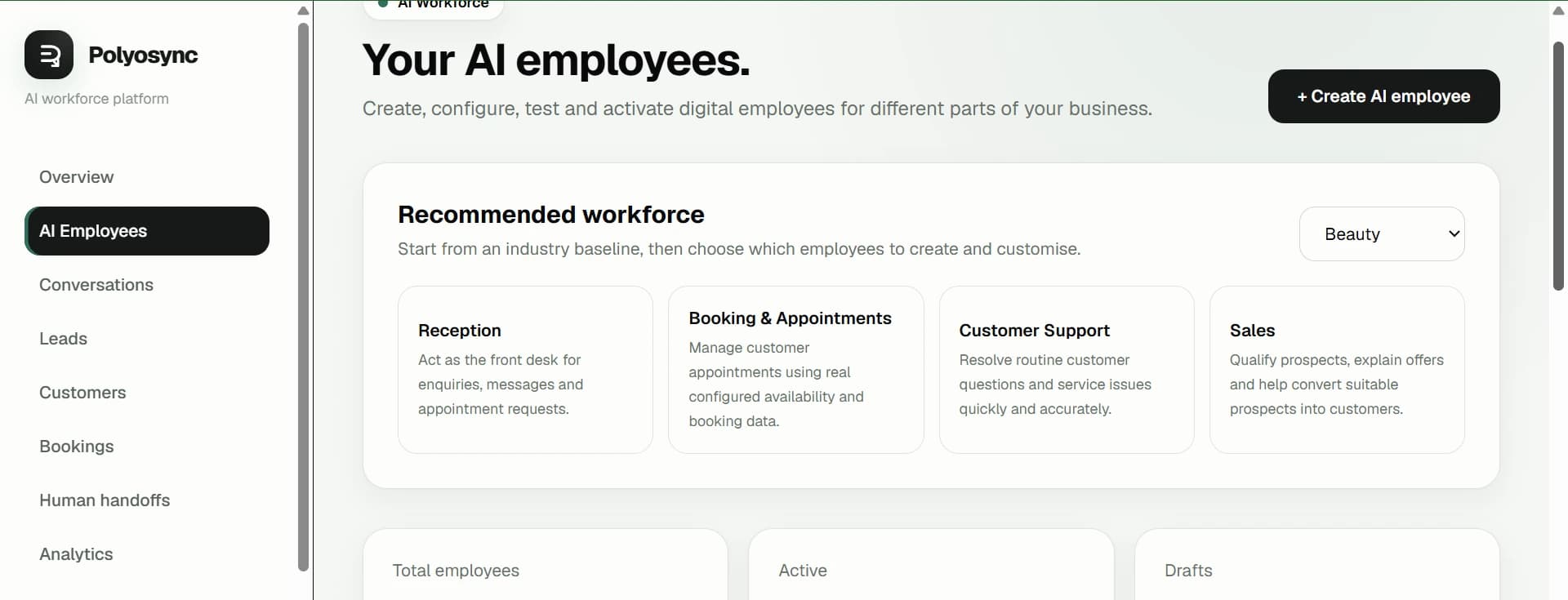
AI Employees are configured around real business roles. You define what they know, how they behave, what they can do and which systems they can access.
What is an AI Employee?
Start with a real business role, then configure its knowledge, instructions, capabilities, integrations and permissions around that responsibility.
Configured around the job
Polyosync
Role
Choose a real business role. Each employee is configured around the work that role needs to perform.
Configured to work
What is an AI Employee?
Choose a real business role. Each employee is configured around the work that role needs to perform.
AI Employee
Handle sales conversations, enquiries and follow-up.
Explore this role →AI Employee
Answer customer questions and resolve support requests.
Explore this role →AI Employee
Handle reception, enquiries and everyday customer communication.
Explore this role →AI Employee
Support marketing tasks, campaigns and customer engagement.
Explore this role →AI Employee
Support recurring operational work and business processes.
Explore this role →AI Employee
Support finance workflows, information requests and processes.
Explore this role →AI Employee
Manage appointment requests and booking conversations.
Explore this role →Show the work
Sales workflow
Capture lead
Qualify
Create CRM record
Check availability
Book meeting
Notify sales
Follow up
Escalate if needed
One employee. One workflow. Zero manual handoffs.
Workflow
Workflow
See Polyosync in action
Build your AI workforce
Business Knowledge gives the employee the information it needs. Special Instructions define how it should operate. Capabilities, integrations and permissions define what it can actually do.
Give the employee reliable business context.
Define behaviour, boundaries and process.
Control the functions available to the role.
Connect authorised systems and actions.
Customer-facing vs Internal
Customer-facing vs Internal
Customer-facing AI can represent your business publicly. Internal AI operates inside your business environment for internal work.
INTERNAL
Run AI inside your business for internal work.
Built for every scale
Use focused roles for a single process or combine specialised employees across sales, support, operations, finance, HR and industry-specific work.
See an AI Employee at work
A customer asks to schedule a viewing. The AI Employee handles the workflow across availability, customers, bookings and sales — then confirms the result.
Customer
"I need to schedule a viewing."
Checks availability
AI Employee completed this step
Creates booking
AI Employee completed this step
Creates customer
AI Employee completed this step
Notifies sales
AI Employee completed this step
Sends confirmation
AI Employee completed this step
Workflow complete
Booking, customer record, sales notification and confirmation are complete.
How it works
Trust & control
Employees operate according to their configured instructions, capabilities, permissions, integrations and business context. Sensitive actions can require approval.
Explore industries
Implementation support
Our team can help configure, implement and deploy AI Employees based on your business requirements, scope and complexity. Contact us for a tailored quote.
Pricing
Explore current plans and compare included AI Employees and usage.
Talk to EnterpriseResources
Learn how to build and use AI Employees.
Read Articles →Copy system
Every Polyosync page answers the same operational questions. No vague AI claims: what it is, what it does, how it operates, what it automates, and where people stay in control.
A platform for configuring AI Employees around real business responsibilities, then connecting them into an AI workforce.
Role + business knowledge + capabilities + authorised tools + integrations + defined workflows. The configuration determines what the AI can access and do.
Teams that want AI to perform defined business work, from a first AI Employee to coordinated workforce operations.
The AI can hand work to a person with the relevant context instead of continuing outside its defined scope.
Start with one role, add employees for other functions, then coordinate them through workflows and business processes.
Availability
The public product experience reflects the integrations, employee types and capabilities currently available in Polyosync.
Start with one AI Employee, prove the workflow, then expand into an AI workforce across your business.