Use cases
Give your AI Employee a job.
Polyosync is built around work, not generic chatbot demos. Explore the jobs AI Employees can handle for growing businesses and complex organisations.
For businesses
Start with one workflow. Expand into a workforce.
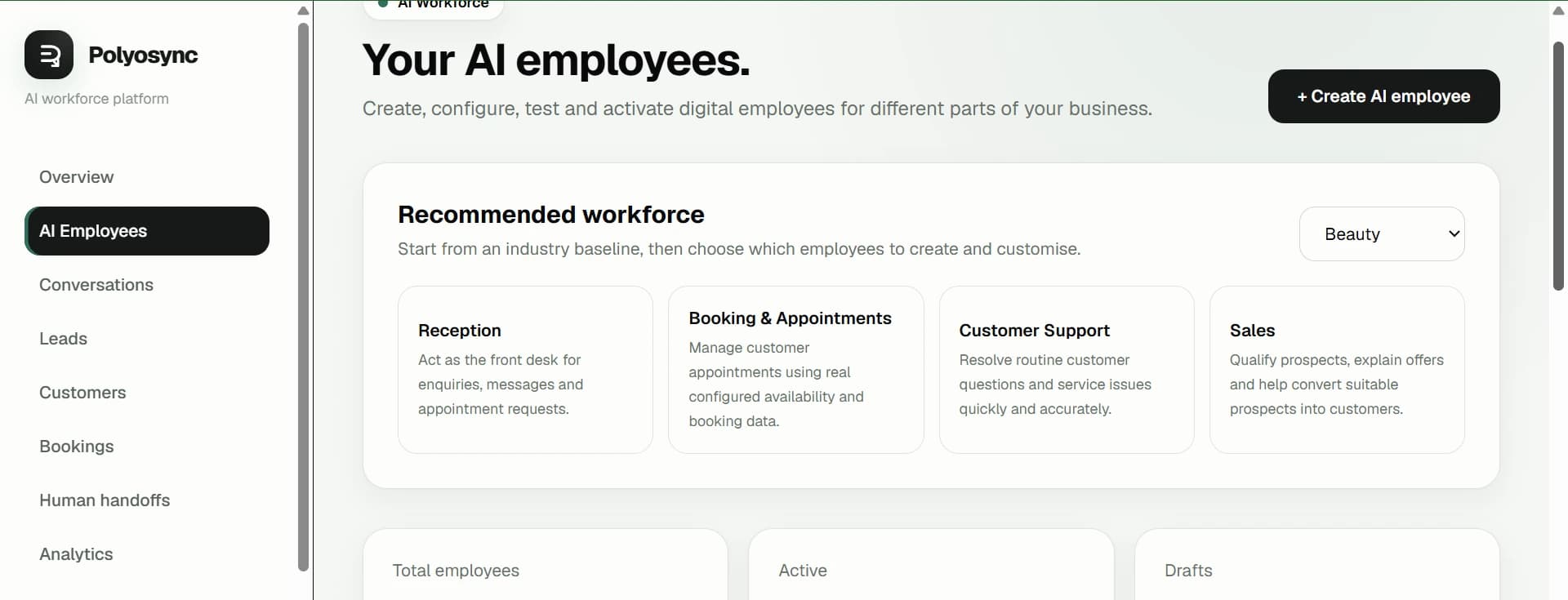
Choose a concrete job, connect the knowledge and systems it needs, then add complementary AI Employees as the operation grows.
Customer experience
Customer Support
Answer customer questions, use business knowledge, resolve routine requests and hand exceptions to the right person.
Explore use case →Revenue
Sales
Capture inbound demand, qualify prospects, answer questions, book meetings and keep sales conversations moving.
Explore use case →Booking
Appointment Booking
Handle availability questions, collect the right details and move customers from conversation to confirmed booking.
Explore use case →Revenue
Lead Qualification
Ask configured qualification questions, structure lead information and route high-intent opportunities to your team.
Explore use case →Revenue
Lead Follow-up
Keep conversations moving after the first interaction with consistent, timely follow-up across connected channels.
Explore use case →Operations
Operations
Turn repetitive operational requests into defined workflows across business systems, with permissions and human escalation.
Explore use case →Commerce
E-commerce Support
Answer product and order questions, explain policies and route cases that need a human.
Explore use case →Marketing
Marketing Operations
Support recurring research, campaign preparation, content workflows and reporting without adding another manual queue.
Explore use case →Inside Polyosync
One employee can become a coordinated AI workforce.
The same platform can move from a single AI Employee to coordinated workforce execution, autonomous workflows and controlled business processes.
See the enterprise operating layer →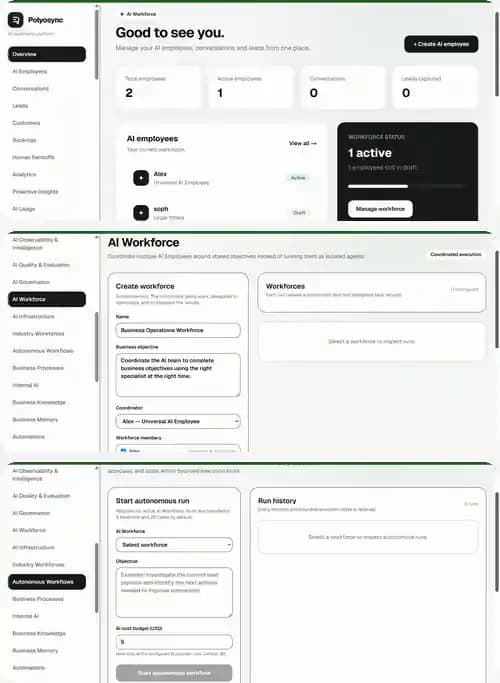
For enterprise
Deploy AI Employees across the organisation.
Enterprise use cases are about coordinated work across teams, systems, permissions and human review—not simply adding another chatbot.
Customer Operations
Deploy AI Employees across high-volume customer workflows, from first response and triage to escalation and follow-up.
Sales Operations
Coordinate lead qualification, sales assistance, CRM updates, meeting booking and follow-up across revenue teams.
HR & People
Give employees a controlled first point of contact for internal questions, onboarding and recurring people operations.
IT & Internal Operations
Handle internal requests, knowledge retrieval, ticket triage and defined operational workflows with permission boundaries.
Finance & Back Office
Structure routine finance requests, retrieve approved information, coordinate workflows and escalate exceptions for review.
AI Workforce Orchestration
Connect multiple AI Employees so work can move between roles instead of stopping at a single automated interaction.
From task to workforce
One conversation can become an entire workflow.
A customer enquiry can become a qualified lead, a booked meeting, a CRM update and a follow-up—handled by connected AI Employees with human escalation where needed.
Understand the request
Use business knowledge
Take authorised action
Update connected systems
Hand off when needed
Continue the workflow
Ready to give AI a real job?
Start with one AI Employee and expand when the work calls for it.
Build My AI Employee →